
Accessing Project Setup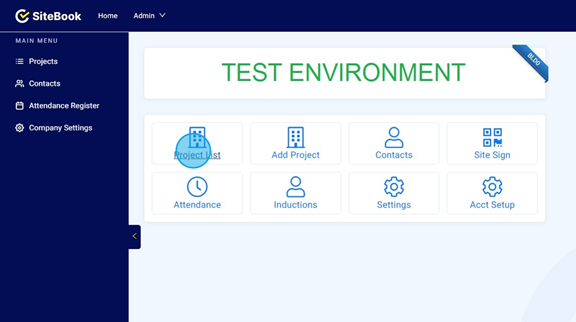
 Did this answer your question?😞😐😃
Accessing Project Setup
Updated over 7 months agoThere are two ways to access the Project Setup. First Click "Project List"

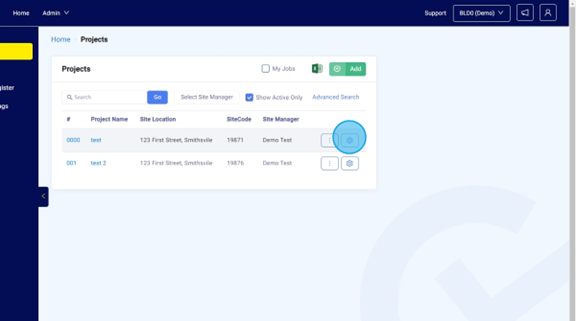
Click on the Cog Icon to access the Project Setup. This will take you to the Project Setup.

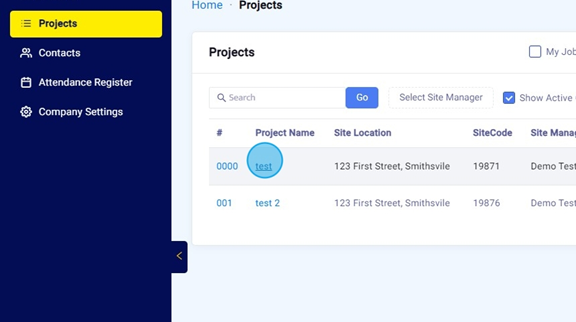
Alternatively, you can also access the Project Setup by selecting the project.

Then Click "Project Setup" from the Job Menu to the left of the screen.
 Did this answer your question?😞😐😃