
Add Additional Licences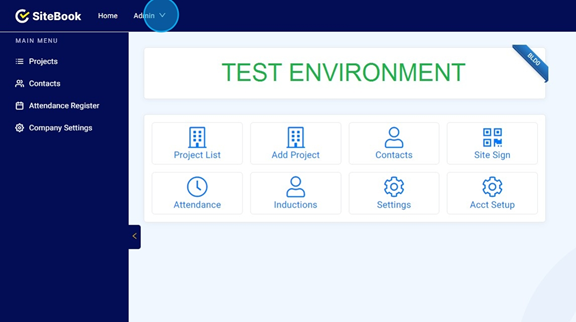
 Did this answer your question?😞😐😃
Add Additional Licences
Additional Licences can be purchased by the Primary and Billing Contacts.
Updated over 7 months agoClick on the "Admin" menu.

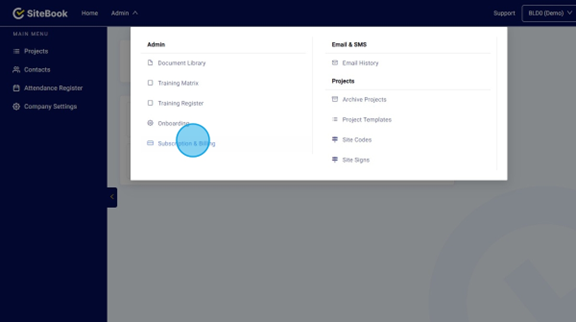
Click on "Subscription & Billing"

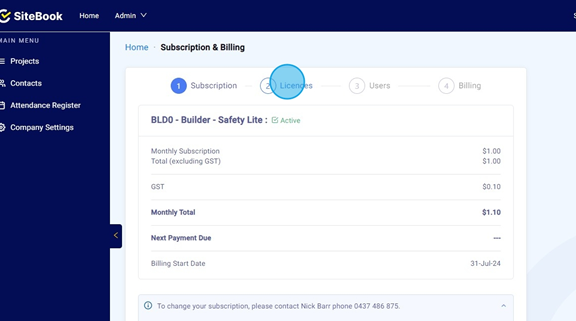
Click on "Licences".

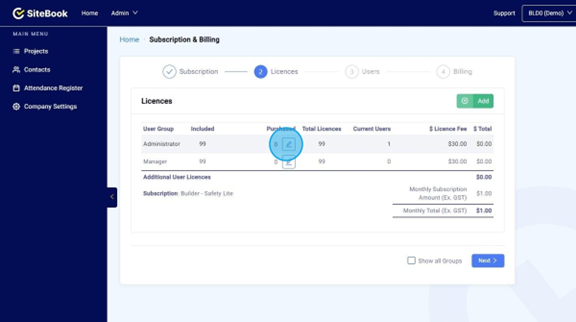
Click on the Pencil icon in the Purchased column.

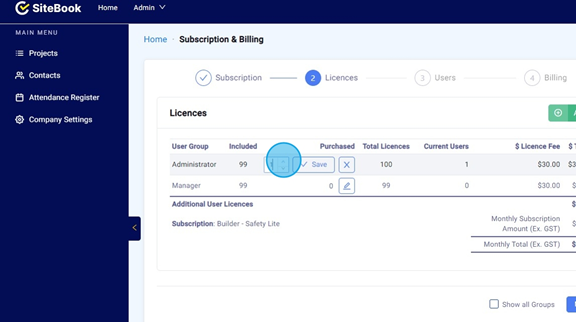
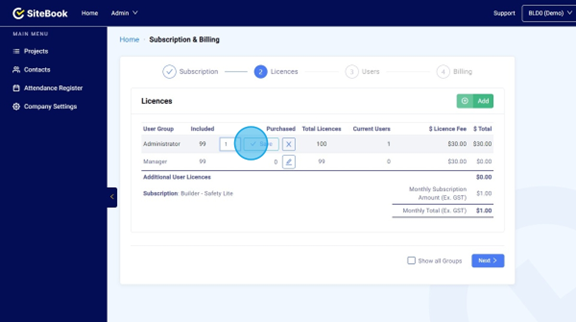
Choose the amount of Licences you would like to purchase.

Click "Save"

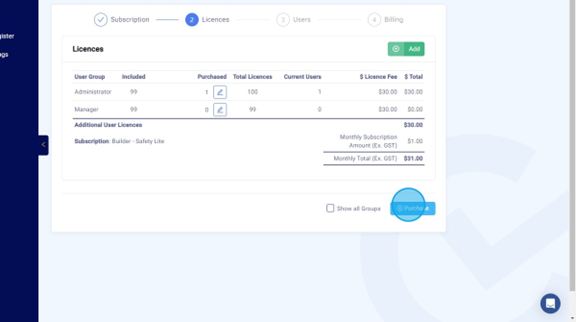
Click "Purchase"

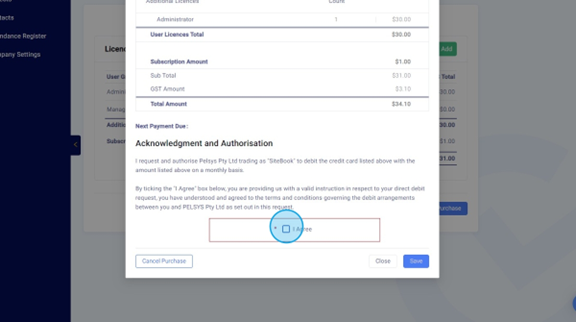
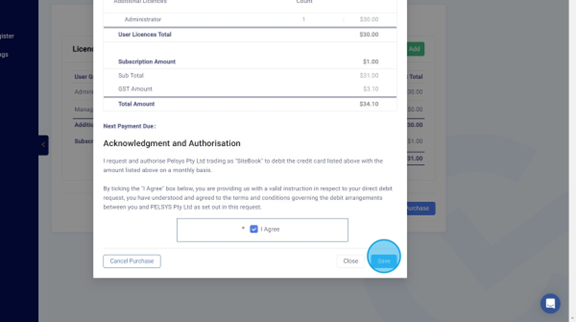
Click the "I Agree" tick box.

Click "Save"

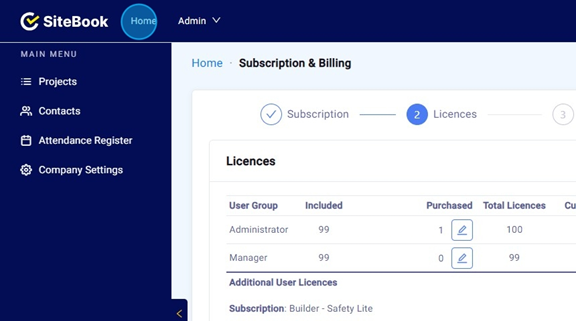
Click "Home". Additional Licences will now be able to be assigned to Users.
 Did this answer your question?😞😐😃