
Adding a Credit Card to Your Subscription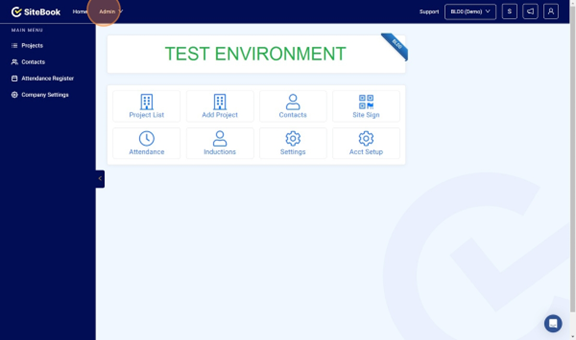
 Did this answer your question?😞😐😃
Adding a Credit Card to Your Subscription
This guide will show you how to add/update the credit card for your SiteBook account
Updated over 11 months agoNavigate to [https://cc.sitebook.com.au/home/homepage] and click Admin

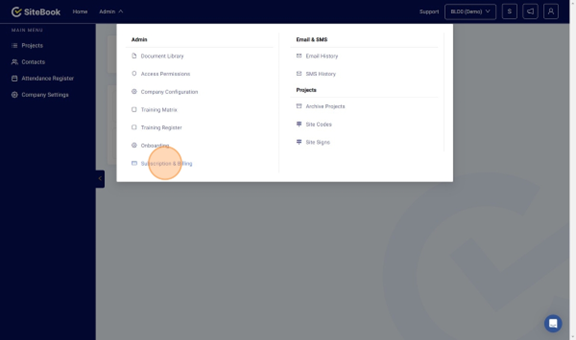
Click "Subscription & Billing"

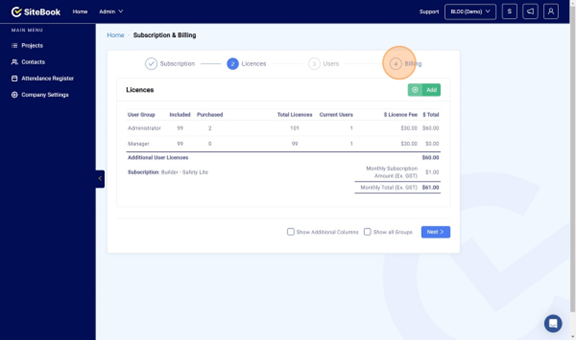
Select Billing

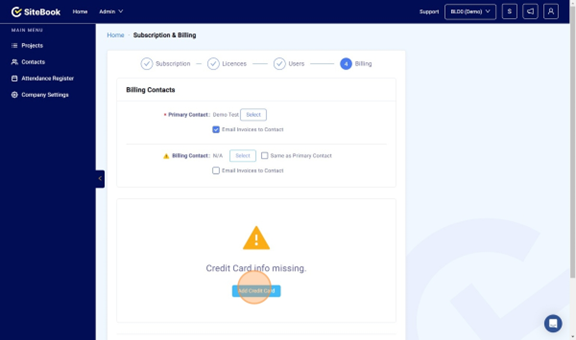
Click "Add Credit Card"

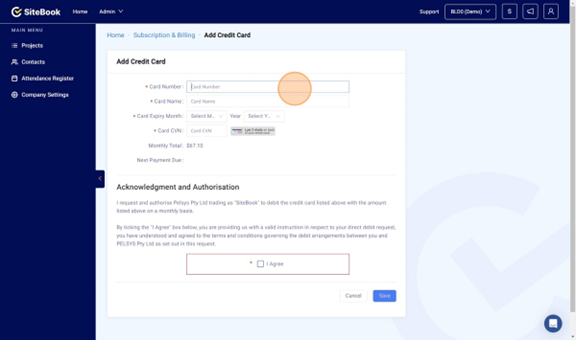
Add you Credit Card Details.

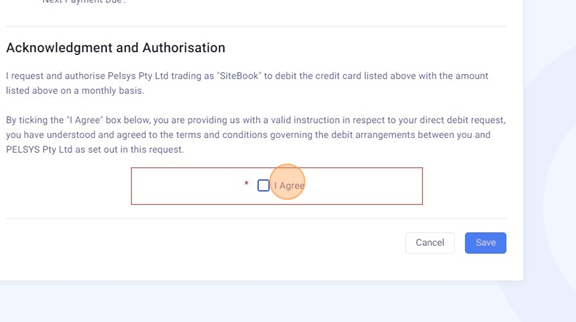
Click "I Agree" and then Save.

Navigate to [https://cc.sitebook.com.au/home/homepage] and click Admin
Click "Subscription & Billing"
Select Billing
Click "Add Credit Card"
Add you Credit Card Details.
Click "I Agree" and then Save.
Did this answer your question?😞😐😃