
Assigning a User Licence
 Did this answer your question?😞😐😃
Assigning a User Licence
User Group Licences determine the level of access a user has to the SiteBook system.
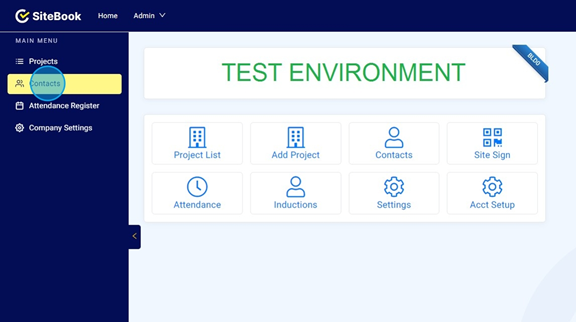
Updated over 7 months agoClick "Contacts". You can access Contacts through the Home Page menu.
Contacts can also be accessed through "Contacts" in the Main Menu to the left of the screen.

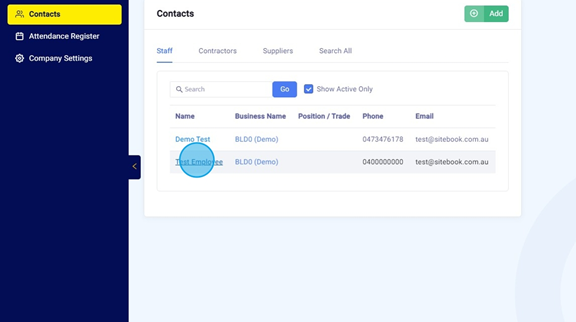
Click on the Employee's name who you want to assign a Licence to.

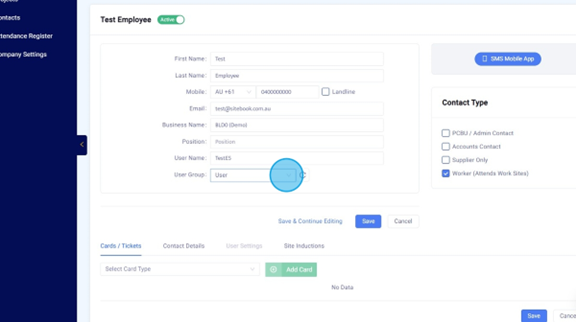
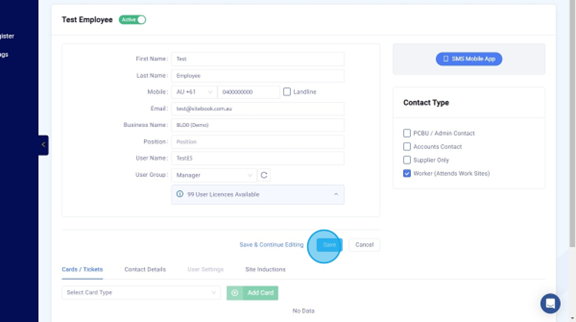
Click to expand the drop down pick list in "User Group"

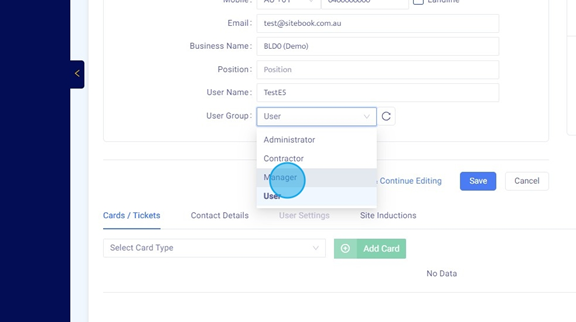
Choose the required Licence from the list.

Click "Save"
 Did this answer your question?😞😐😃