
Table of contents
Auto-Attendance - Android
Auto-Attendance - Android
Updated over a year ago Table of contentsImportant Note: Auto-Attendance requires:
Location Servive Settings turned On
Notifications to be Switched On
Location Servive Settings turned On
Notifications to be Switched On
See Setting Up Auto-Attendance below
Set Up Auto-Attendance - Android
Jobs with Auto-Attendance turned on will have a Location Services Icon
Select a job with Auto-Attendance
Flick the Switch to turn on Auto-Attendance

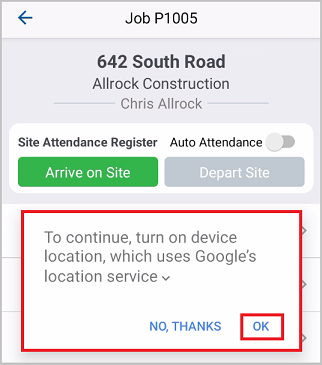
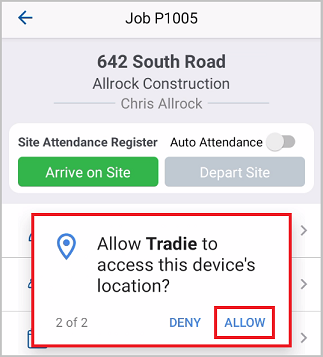
Allow Location Services to continue
The Flick the Auto Attendance Switch to begin

Confirm Attendance - Android
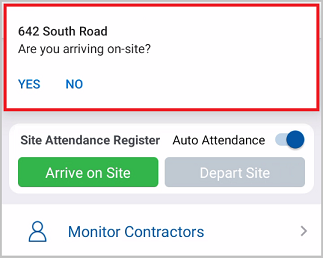
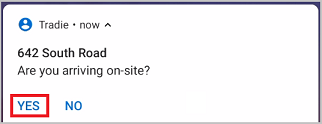
If the Android is Unlocked
Click Yes to Confirm your Arrival

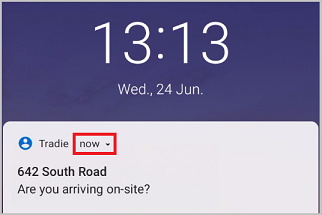
If the iPhone is Locked
Touch the Notification Time to Expand It

Click Yes to Confirm your Arrival

Silent Auto-Attendance
Auto-Attendance can be made silent
Users will not receive notifications
Arrival and Departure will be logged Automatically
Did this answer your question?😞😐😃