
Customizing Asset Types and Groups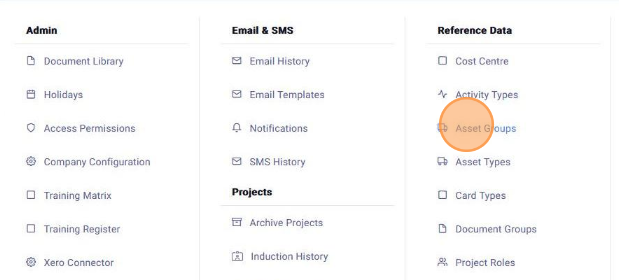
 Did this answer your question?😞😐😃
Customizing Asset Types and Groups
Updated over 7 months agoWhen adding an asset to the Vehicle/Plant list, you need to select an "Asset Type" and "Asset Group" for the asset. You can configure the options for both of these. This is done by accessing the "Admin" menu and selecting " Asset Groups "

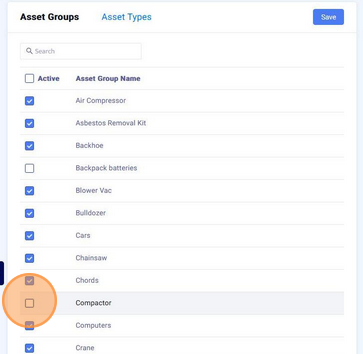
From here you can check or uncheck the options you want listed in the category

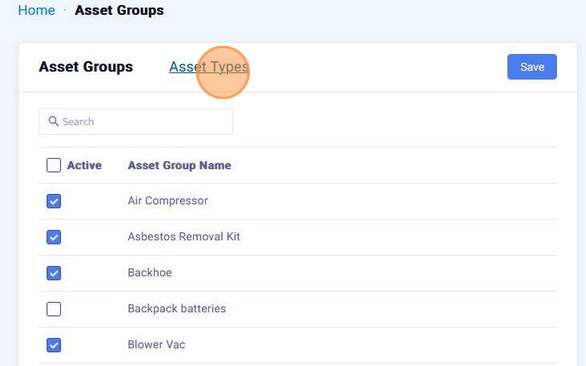
You can click "Asset Types" to configure them as well

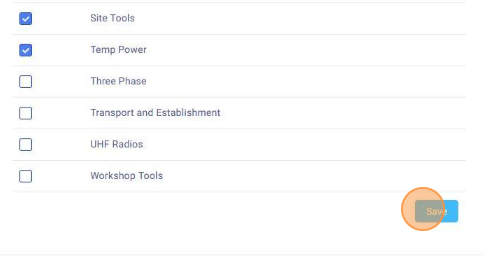
After you have enabled or disabled the desired options, ensure to "Save" these selections
 Did this answer your question?😞😐😃