
Table of contents
Documents: Copy Folder Structure from a Project Template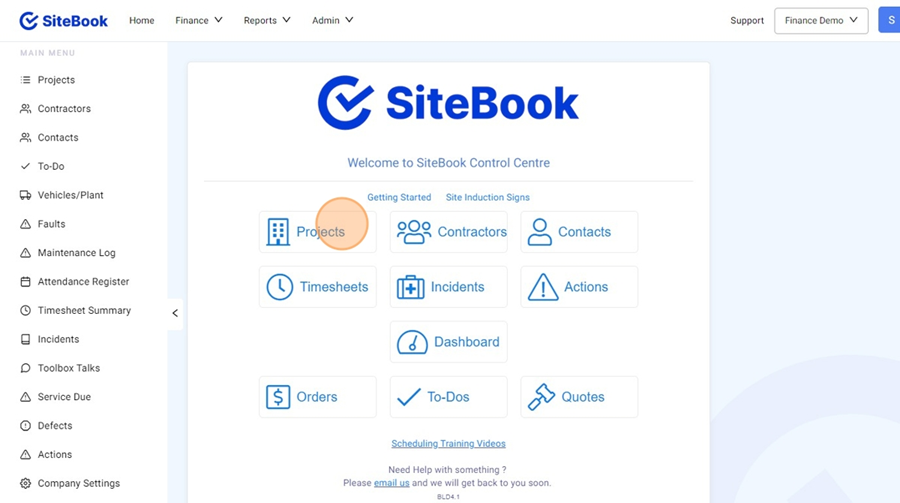
Documents: Copy Folder Structure from a Project Template
Updated over 2 months ago Table of contentsNavigating to Documents in a Project
1. From the Homepage select "Projects"

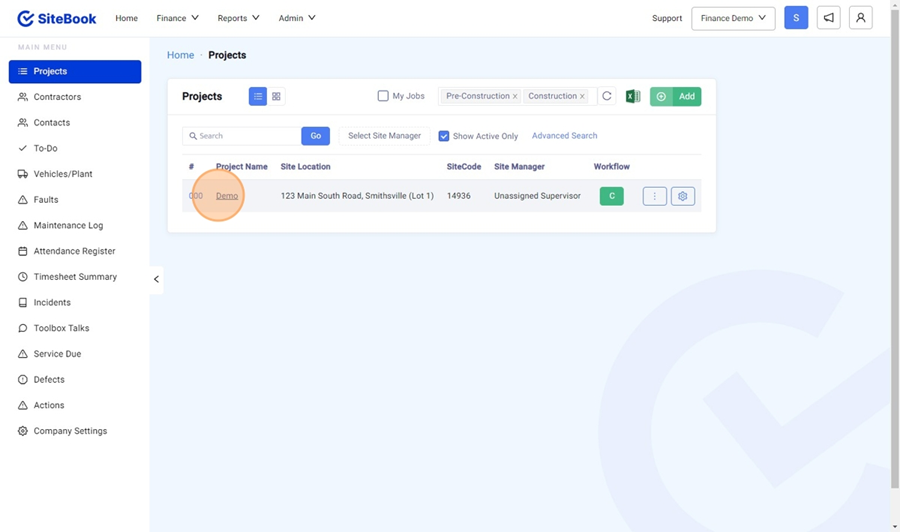
2. Select your Project from the Project List

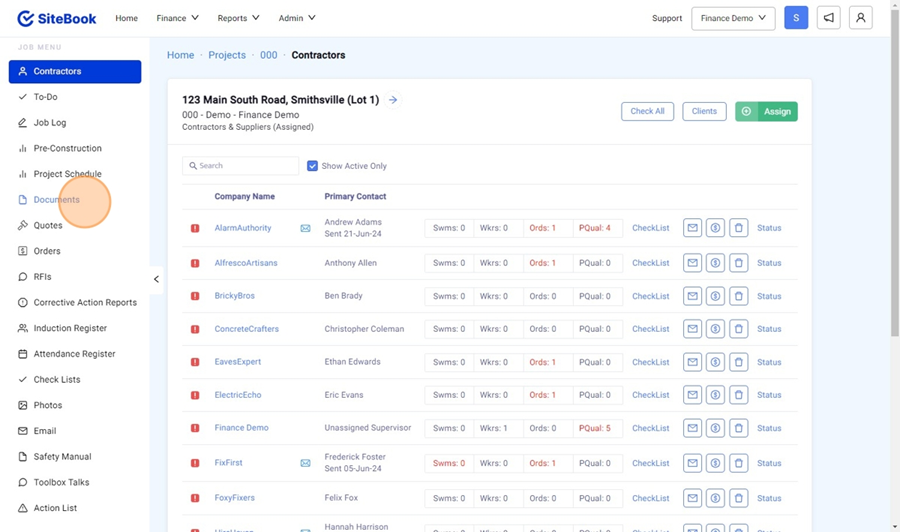
3. Select Documents from the left hand menu. "Documents"

Copying the Folder Structure from a Project Template
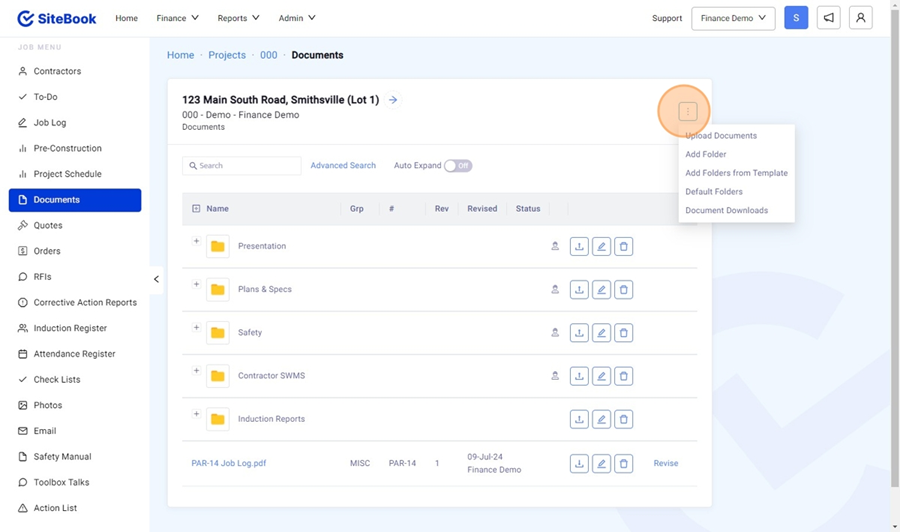
4. In Documents, Select the 3 Dots Menu

5. Select "Add Folders from Template" and choose the Template you wish to Copy.
Did this answer your question?😞😐😃