
Table of contents
Export Multiple Dockets to Excel on SiteBook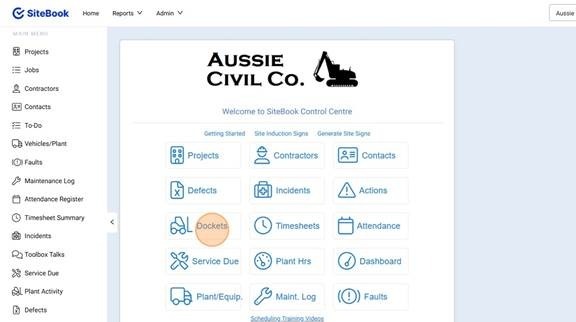
 Did this answer your question?😞😐😃
Export Multiple Dockets to Excel on SiteBook
Updated over 6 months ago Table of contentsNavigating to the Dockets Menu
1. To Navigate to the Dockets Menu, Select Dockets from the home dashboard or the left hand side menu options:
Filtering the Docket List
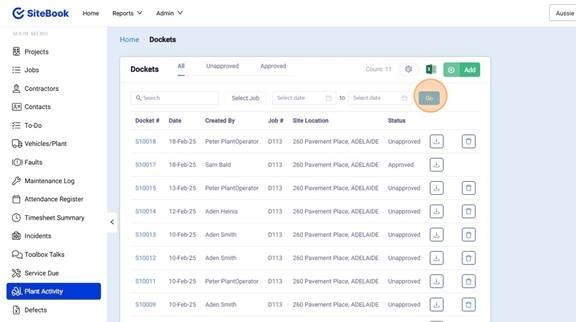
2. Filter the Dockets by Job or Date Range and select "Go"
Export Multiple Dockets Data
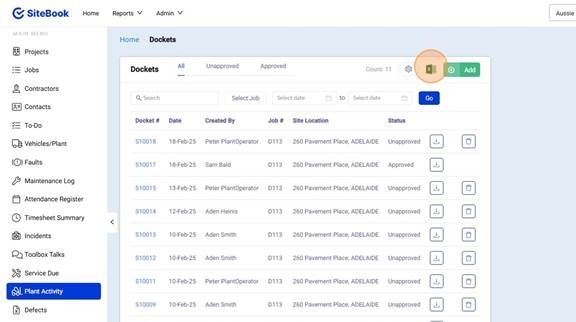
3. At the top of the screen, Select the Excel Icon in the top right to export the visible dockets (Incl. Individual Line Items) to Excel.
Did this answer your question?😞😐😃