
Exporting Project List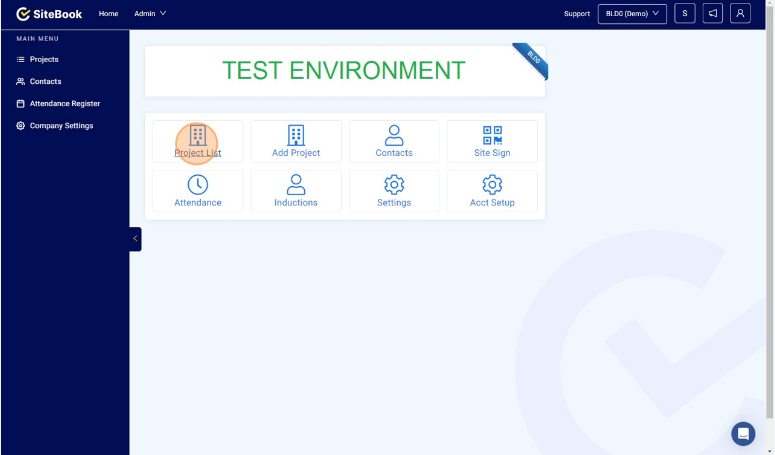
Exporting Project List
This guide will show you how to export your project list from SiteBook to an Excel Spreadsheet
Updated over 7 months agoNavigate to https://cc.sitebook.com.au/home/homepage and click Project List

Click the Excel icon to export to a .xslx File(Excel Spreadsheet)

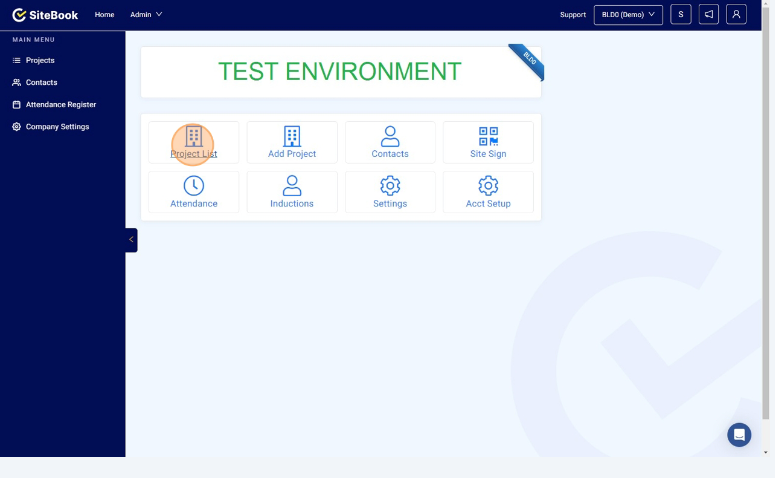
Navigate to https://cc.sitebook.com.au/home/homepage and click Project List
Click the Excel icon to export to a .xslx File(Excel Spreadsheet)