
Table of contents
How to Add / Edit Labour Rates in SiteBook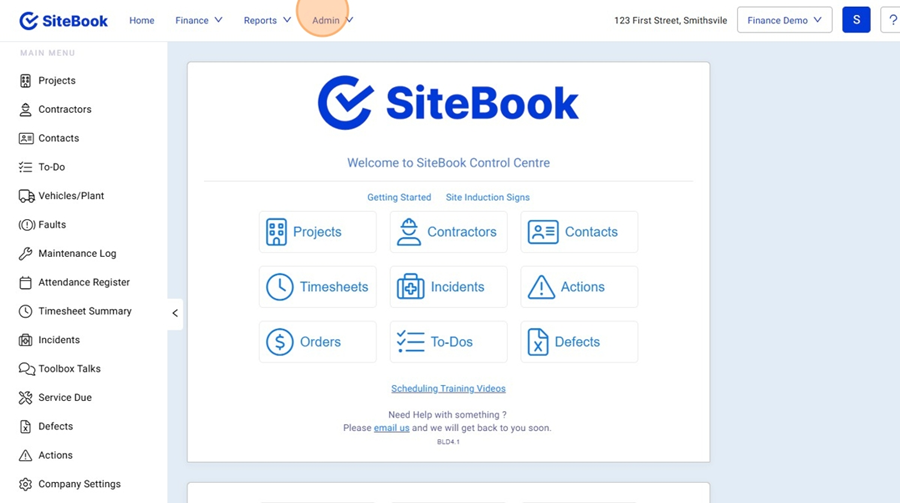
 Did this answer your question?😞😐😃
How to Add / Edit Labour Rates in SiteBook
Updated over 4 months ago Table of contentsNavigating to the Labour Rates Table (Template)
1. Click "Admin"

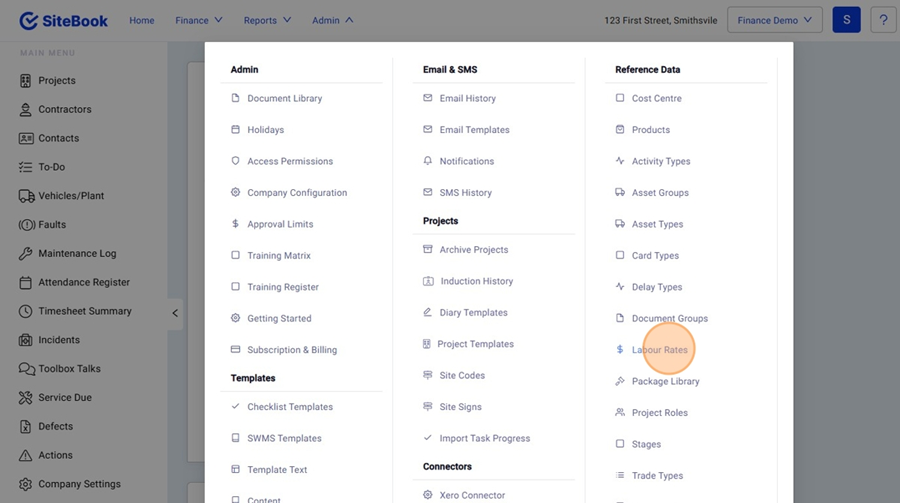
2. Under Reference Data, select "Labour Rates"

Edit a Labour Rate
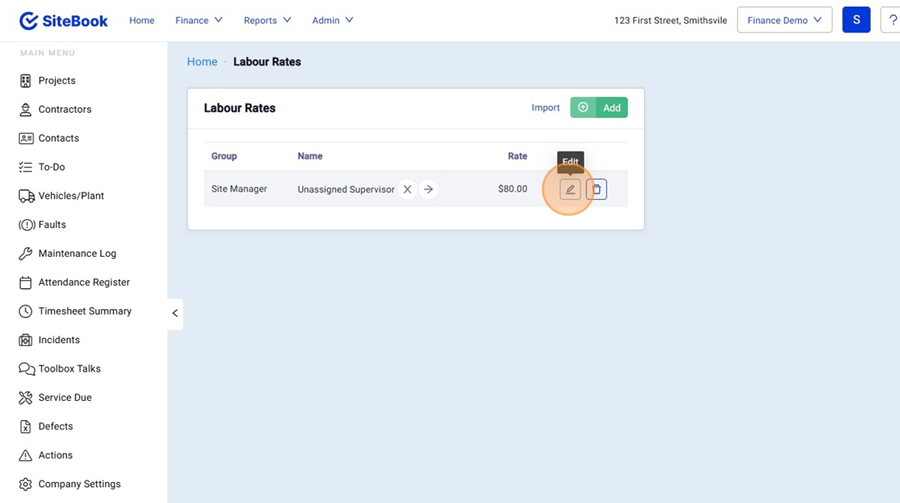
3. Select the Edit Icon neext to the rate you want to edit.

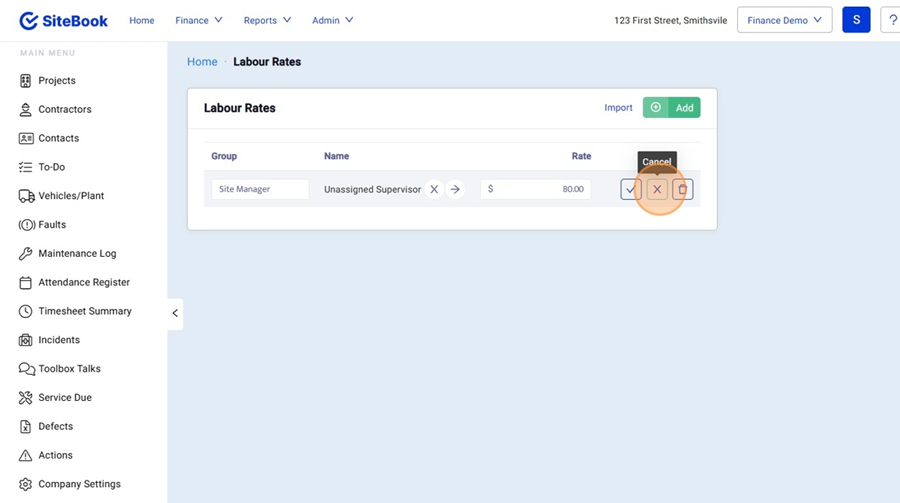
4. When your changes are complete, you can Save or Cancel your changes from the "Tick" or "X" icons.

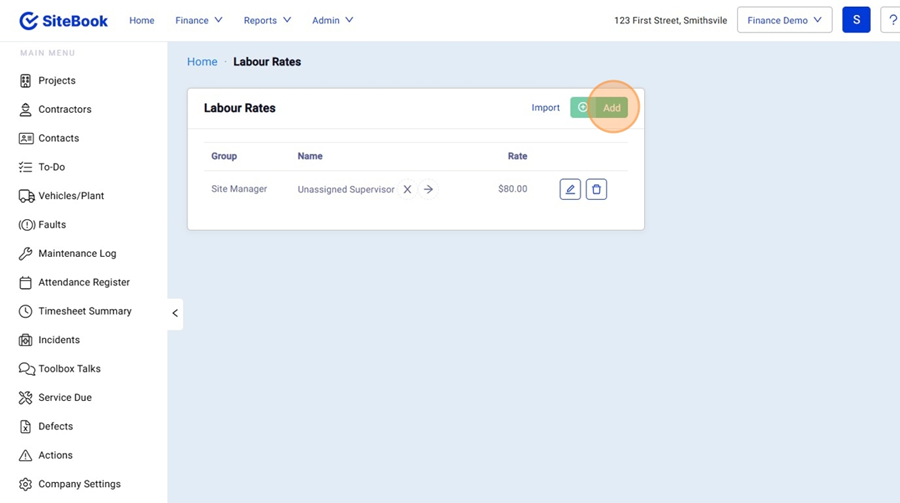
Add a New Labour Rate
5. Click "Add" to create a new Labour Rate

Navigating to the Labour Rates Table (Project Specific)
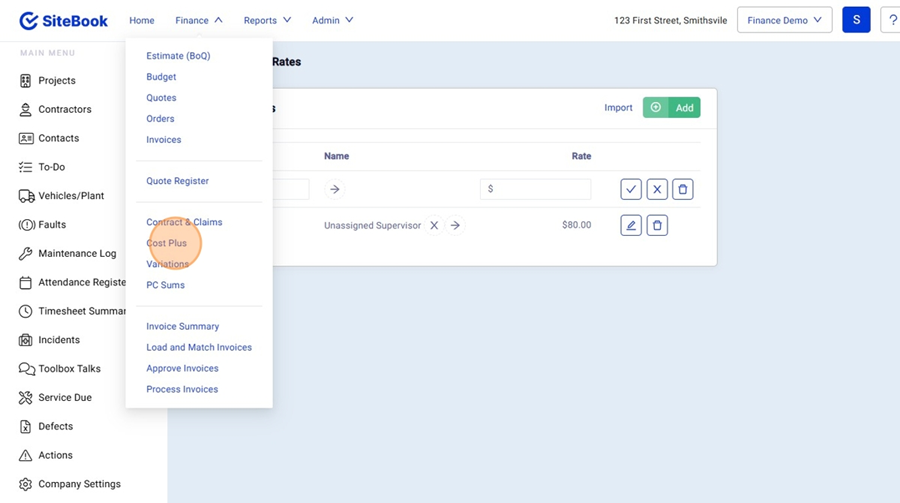
6. At the top of the screen open the "Finance" Menu and click "Cost Plus"

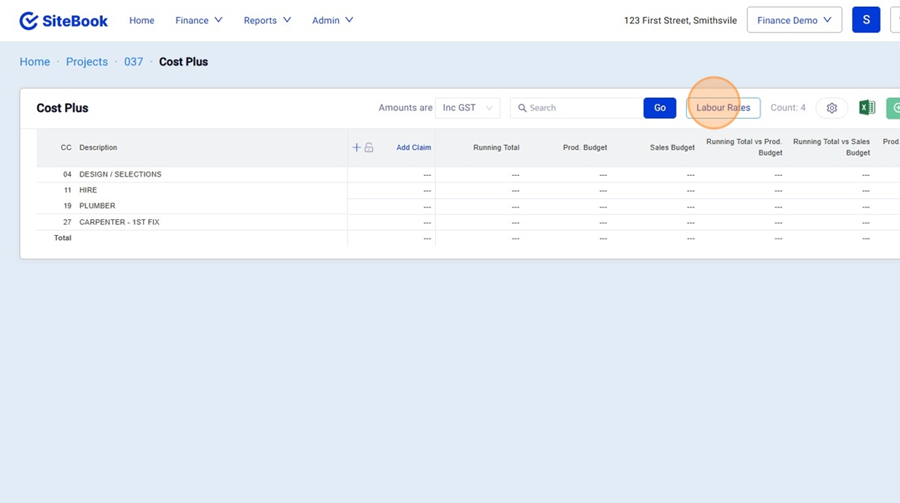
7. Click "Labour Rates"

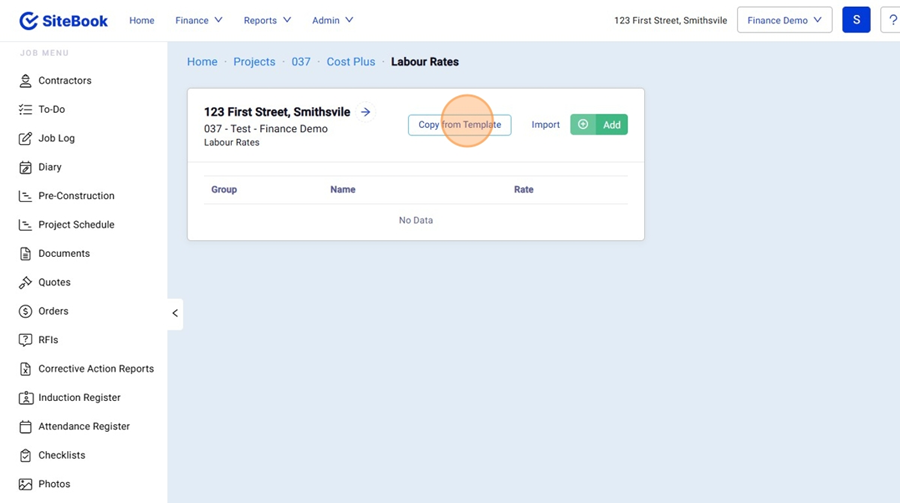
Copy Labour Rates from Template
8. In the Project Specific Labour Rates Table, Click "Copy from Template"
 Did this answer your question?😞😐😃