
Table of contents
How To Add/Edit Products on SiteBook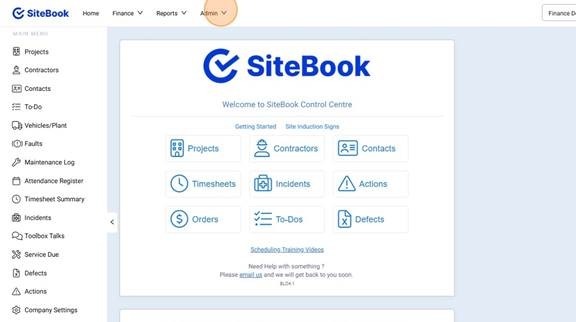
 Did this answer your question?😞😐😃
How To Add/Edit Products on SiteBook
Updated over 6 months ago Table of contentsNavigating to the Product Library
1. Select the Admin Menu
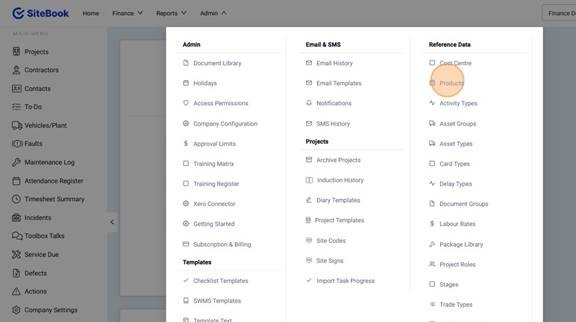
2. Click "Products" under Reference Data.
Add a New Product
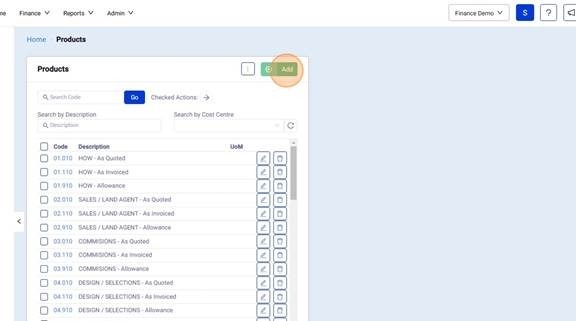
3. Click "Add" to create a New Product
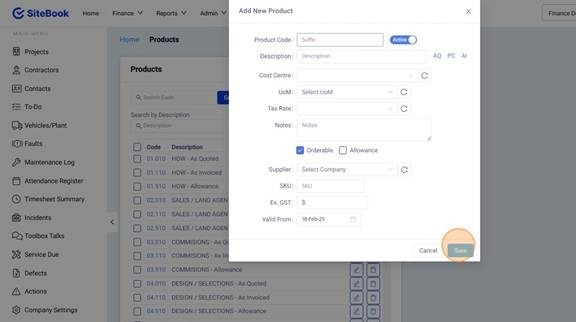
4. Add in the Product Details and click "Save"
Editing an Existing Product
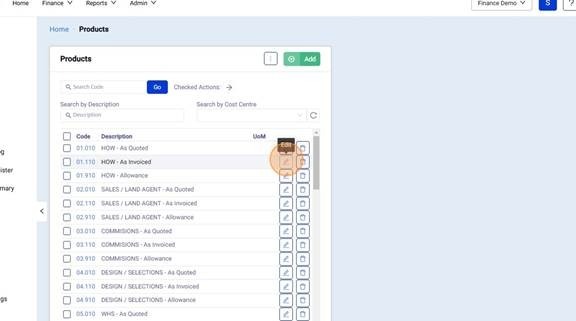
5. Click the Pencil Icon to edit a Product Item.
Did this answer your question?😞😐😃