
How to Deactivate a Contact or Contractor
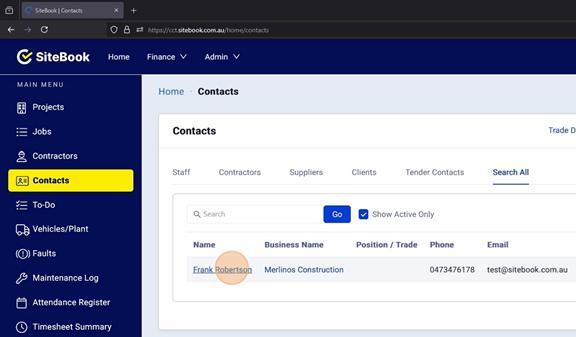
1. Select the contact you wish to deactivate
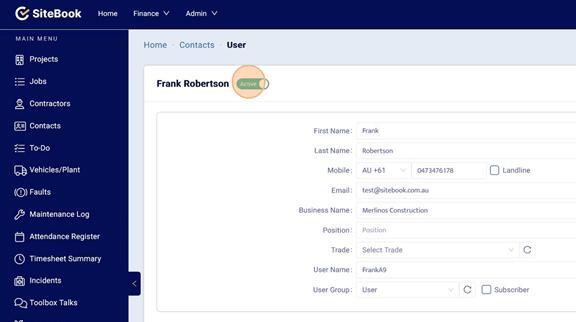
2. Click the "Active" slider to set it to "In-Active"
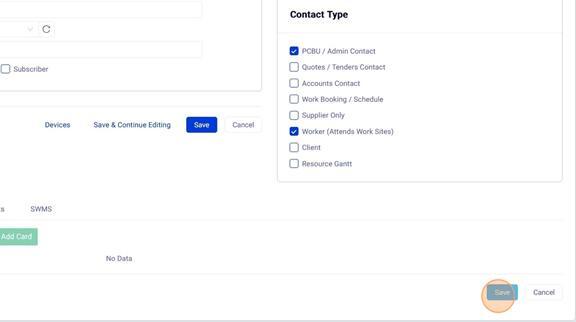
3. Click "Save"
Please note: If a User Licence is assigned to a User and they are made “In-active”, the Licence is automatically removed / unassigned and will be available to re-assign.