
Table of contents
How to Edit a Client on a Job / Project.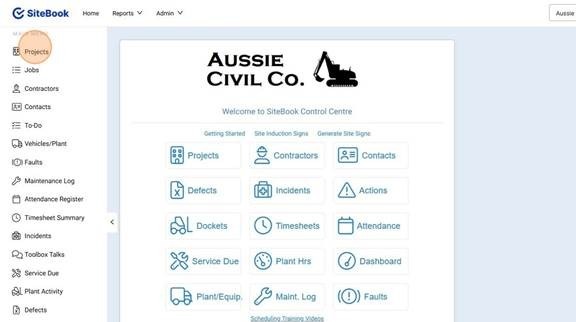
 Did this answer your question?😞😐😃
How to Edit a Client on a Job / Project.
Updated over 6 months ago Table of contentsEditing a Client on a Project
1. Select "Projects" from the Left hand Menu.
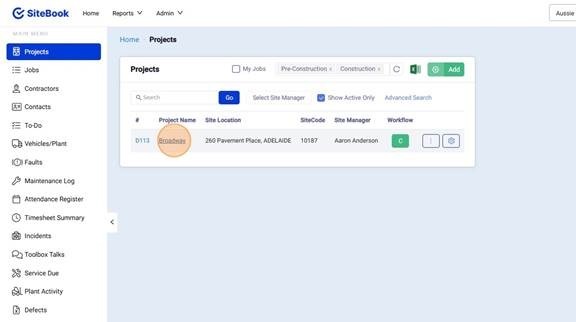
2. Select your project from the Project List.
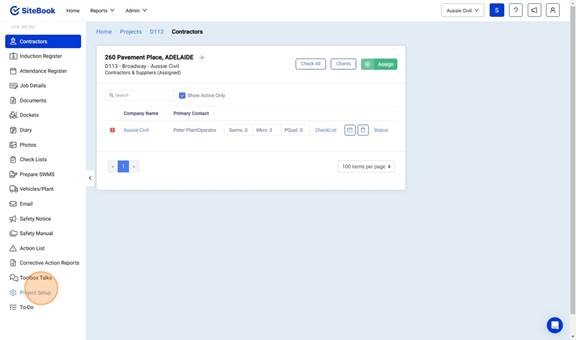
3. Select "Project Setup" from the left hand side menu
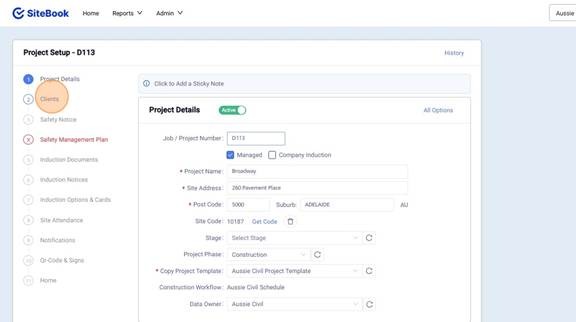
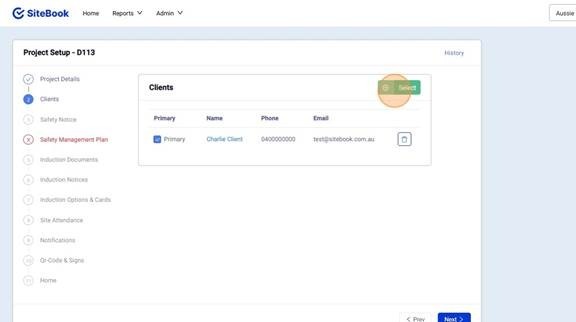
4. Select Clients from the Left hand Side list.
5. Click "Select" to choose a client.
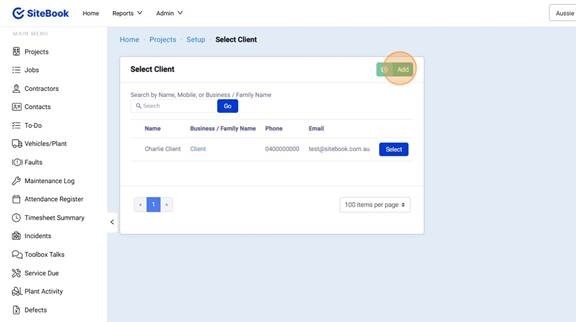
6. Select a Client from the list, or Click "Add" to create a new Client.
Editing a Client on a Job
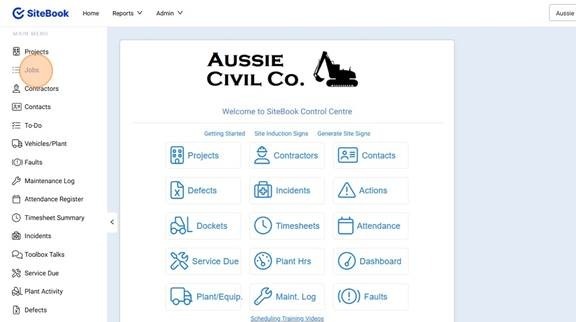
7. Select "Jobs" from the Left hand Menu.
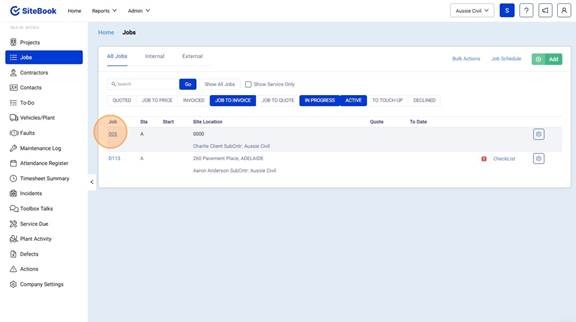
8. Select your Job from the Job List.
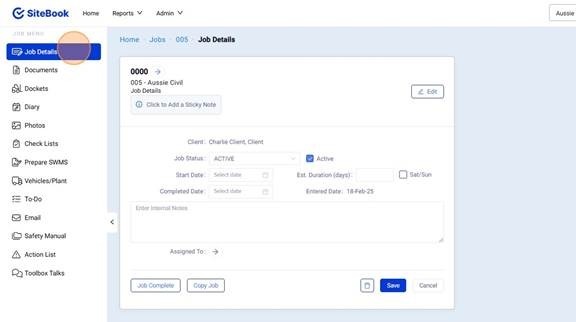
9. Select "Job Details" from the left hand side menu
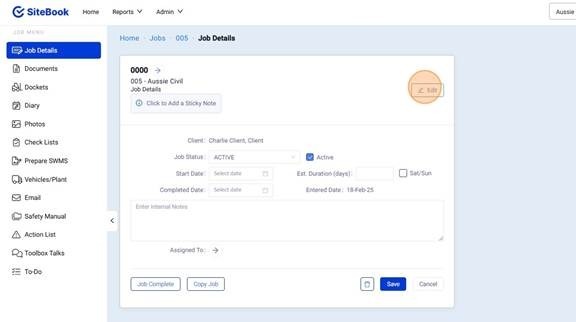
10. Click "Edit" in the top right corner.
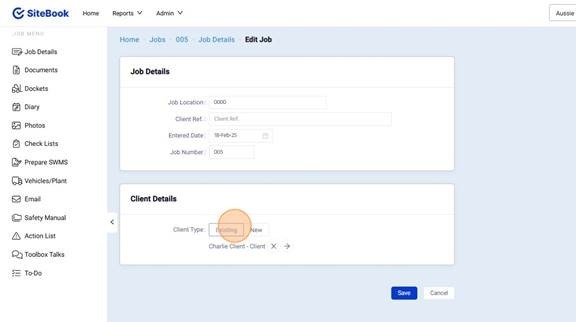
11. Click "Existing" to choose an existing client from a pick list.
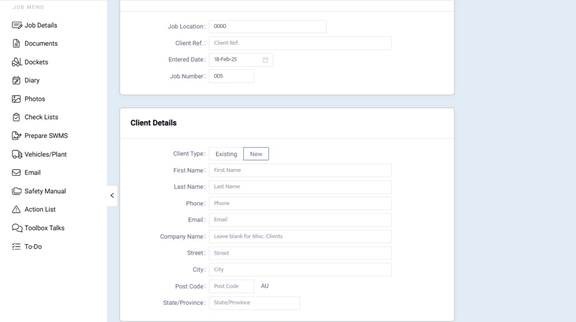
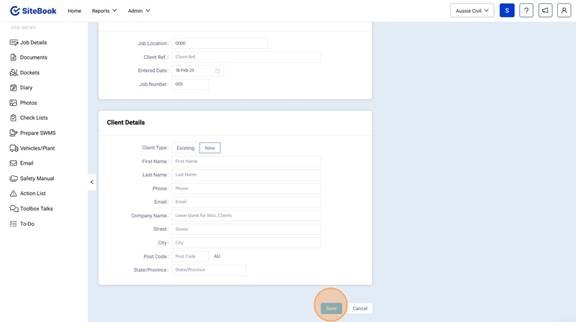
12. Click New to add a new clients details.
13. Click save to save your changes.
Did this answer your question?😞😐😃