
How to Refresh User Settings on the SiteBook Mobile App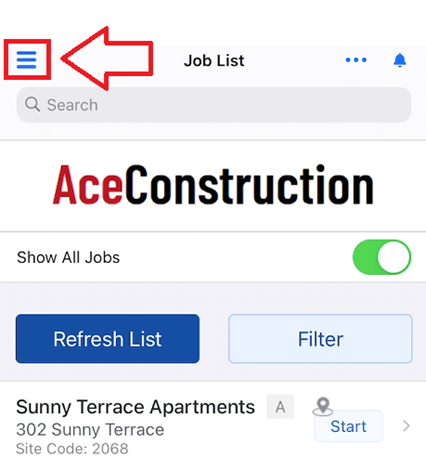
 Did this answer your question?😞😐😃
How to Refresh User Settings on the SiteBook Mobile App
Refreshing User Settings lets the you get the latest Permissions, Menus, Features or License. It may also refresh various lists in SiteBook.
Updated over 2 weeks ago1. Click on the Hamburger Icon on the top left side on the Joblist

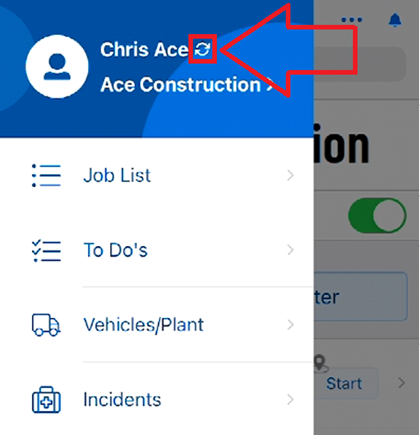
2. Click on the Refresh Icon to Refresh your Company Settings in your device

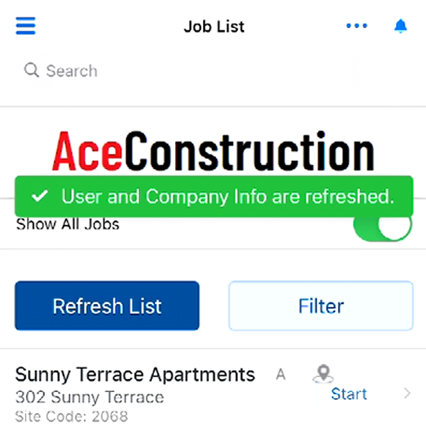
3. A message will be displayed once the process is finished
 Did this answer your question?😞😐😃