
Table of contents
How To Set Invoice & ETS Approval Limits in SiteBook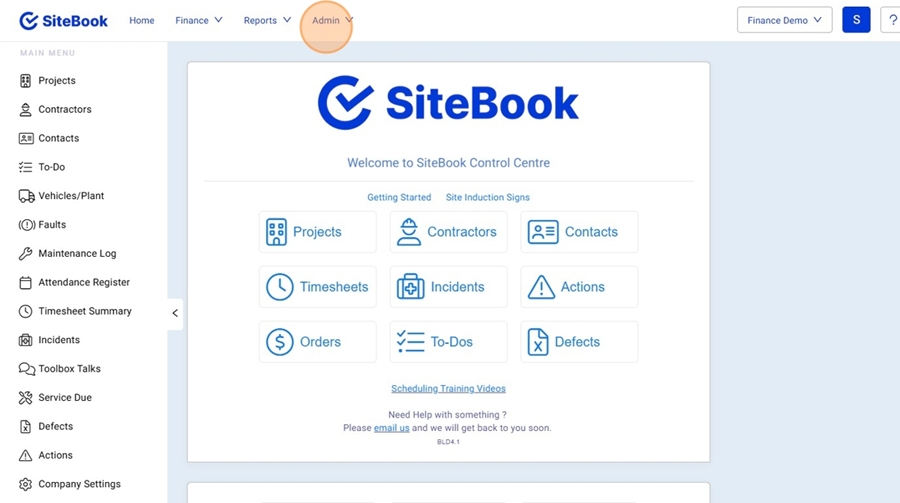
How To Set Invoice & ETS Approval Limits in SiteBook
Updated over a month ago Table of contentsNavigating to the Approval Limits Menu
1. In the top Menu, Select "Admin"

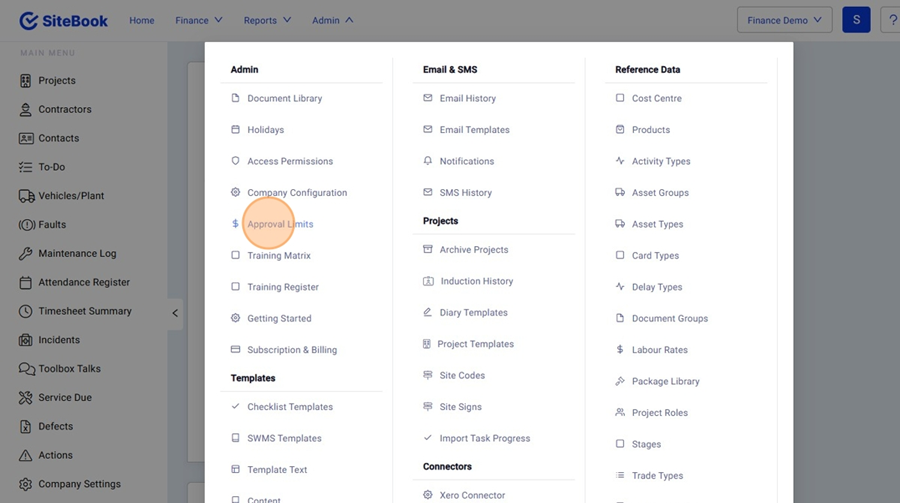
2. Click "Approval Limits"

Adding a New Approval limit
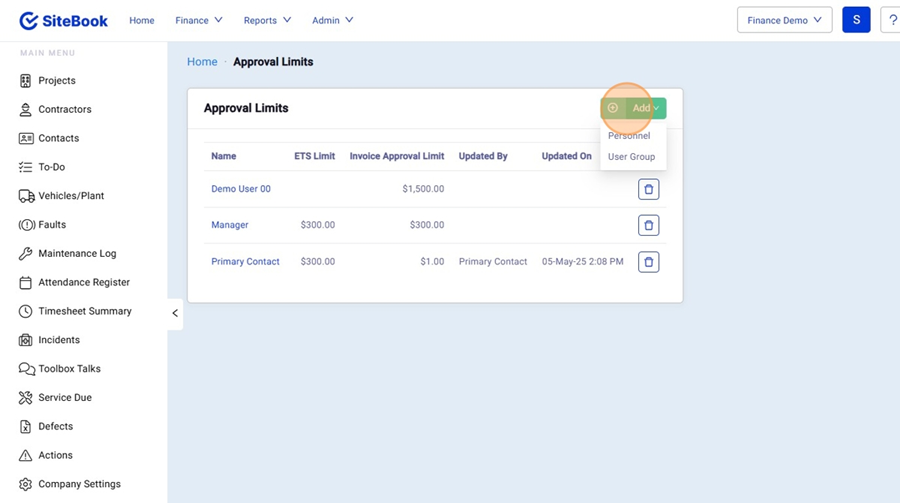
3. Click "Add" and select:
1. Personnel (Sect Users with custom Amounts)
2. User Group (A type of Users Amounts e.g.. Supervisors)

Editing a Approval Limit
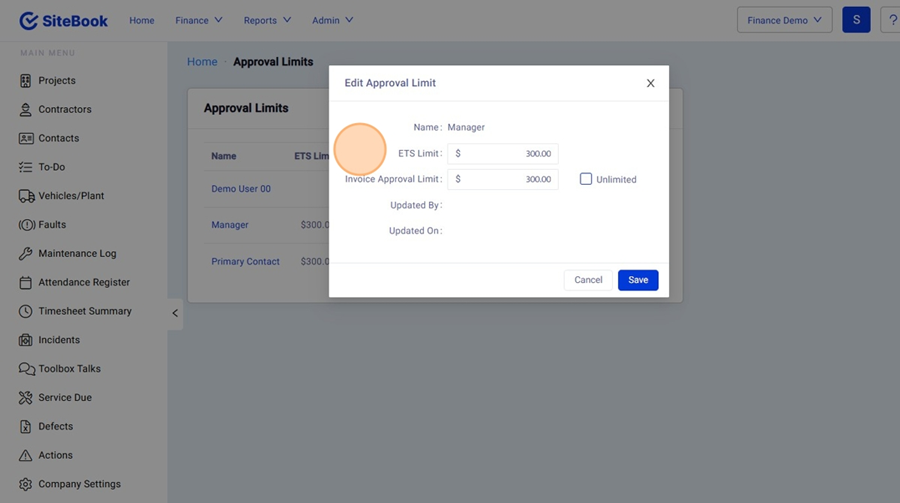
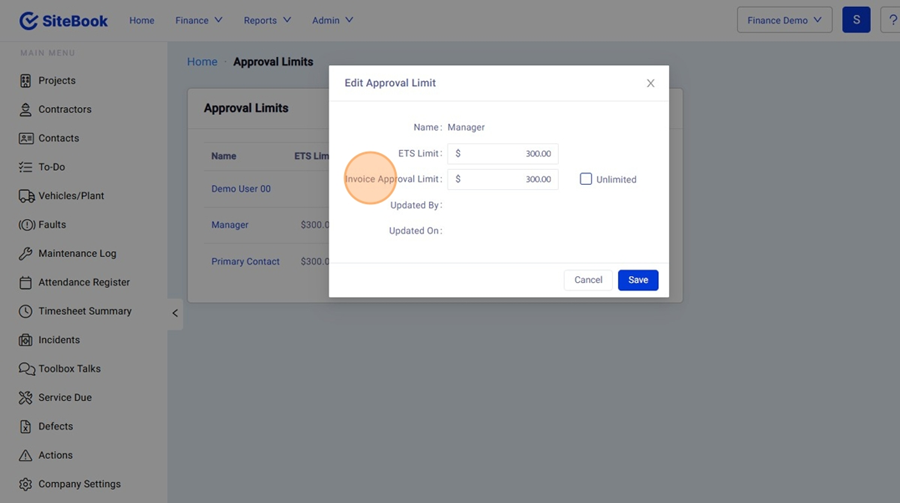
4. "ETS Limit" is the max amount a user can add to a Purchase Order (Variation Order/ Extra to Site Order Only)

5. "Invoice Approval Limit" is the maximum an Invoice can be for that user to approve.

6. Click "Save" to save your changes.
Did this answer your question?😞😐😃