
Send Outstanding Pre-Qual warnings
 Did this answer your question?😞😐😃
Send Outstanding Pre-Qual warnings
How to send/Resend Pre-qualification emails and warnings to Contractors
Updated over 7 months agoClick "Contractors"
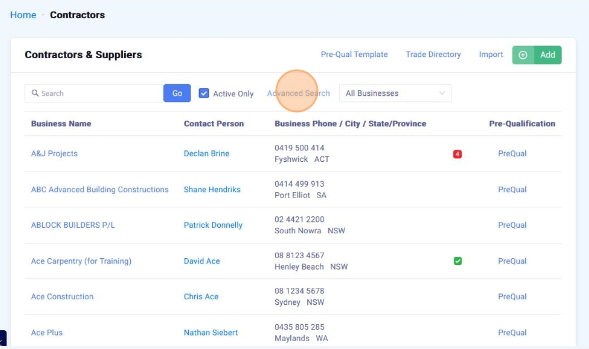
Click "Advanced Search"

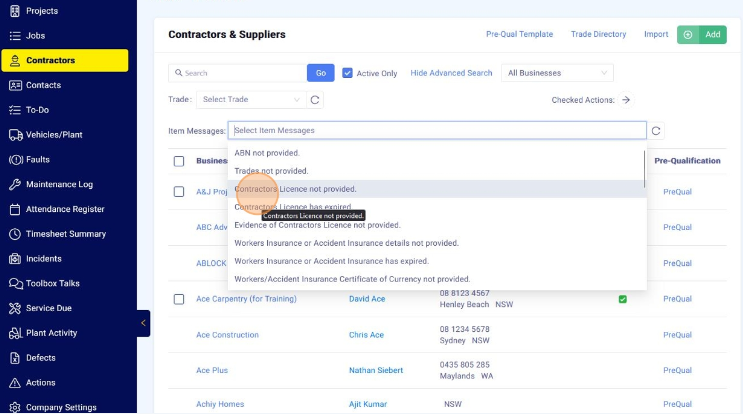
Click the "Item Messages" selection box and select the items you wish to filter by

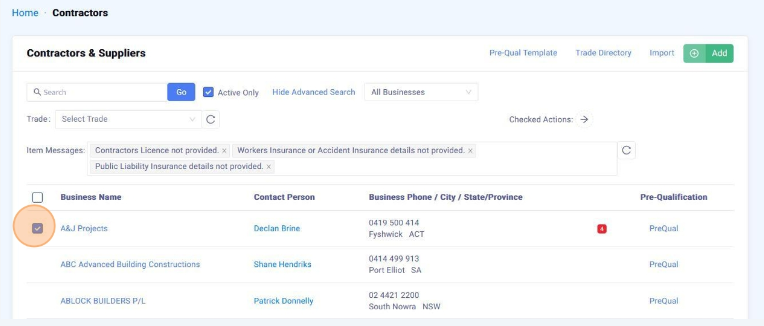
Select the contractors you wish to email

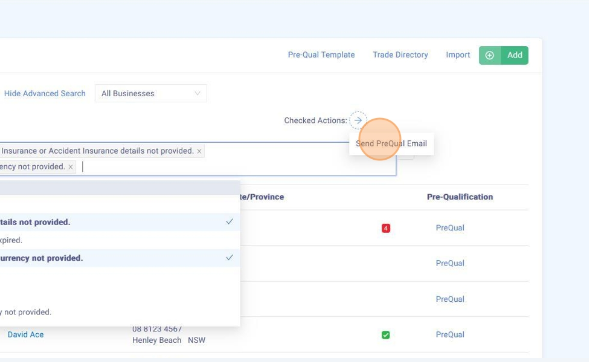
Mouse over the "Checked Actions" arrow and click "Send PreQual Email"
 Did this answer your question?😞😐😃