
Sending PreQual Emails to Contractors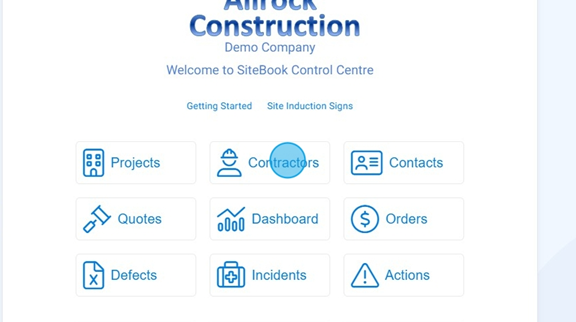
 Did this answer your question?😞😐😃
Sending PreQual Emails to Contractors
Updated over 7 months agoSelect "Contractors"

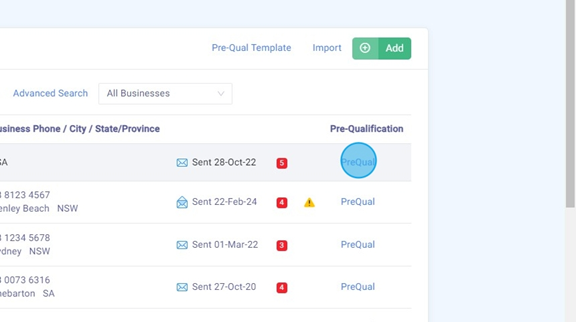
Select "PreQual" for the Contractor you wish to send an email to.

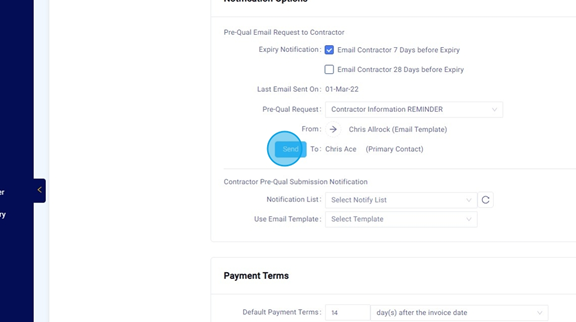
Scroll down to "Notification Options" Click "Send". This will send the Contractor a PreQual Email.

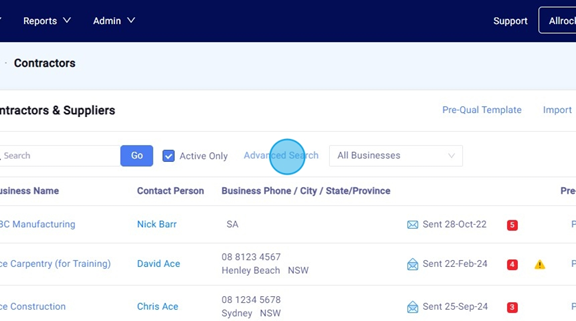
Alternatively, if you want to send to all Contractors at once, click "Advanced Search".

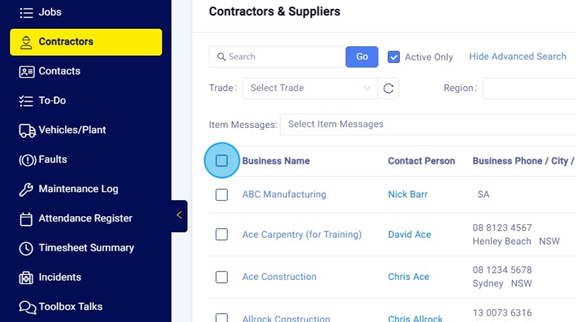
Click the top box to select all, or tick the required Contractors from the list.

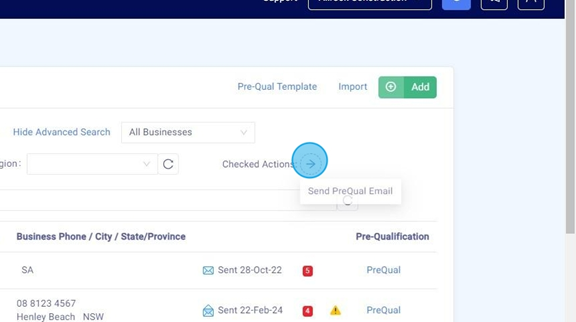
Select "Checked Actions".

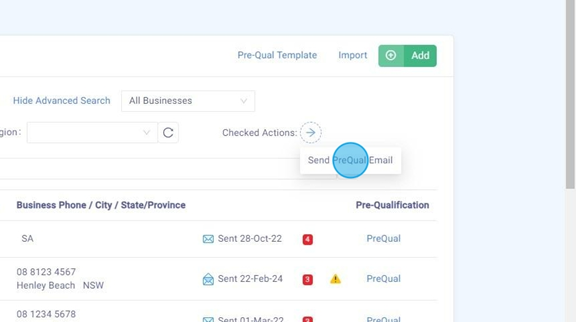
Click "Send PreQual Email". This will send each Contractor a PreQual Email.
 Did this answer your question?😞😐😃