
Updating Document Templates
Updating Document Templates
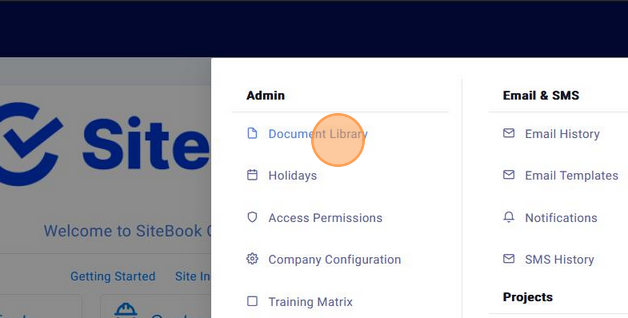
Updated over 7 months agoClick into the "Admin" menu
Click " Document Library "

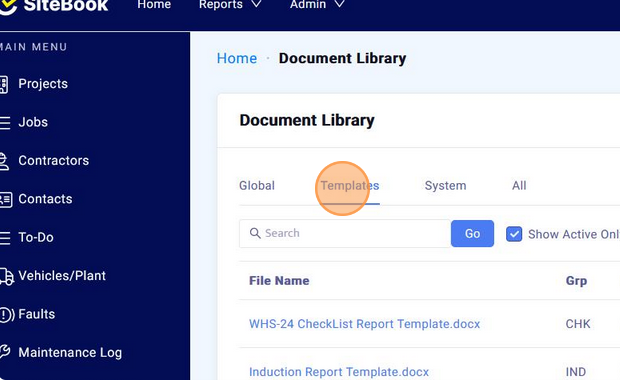
Click "Templates"

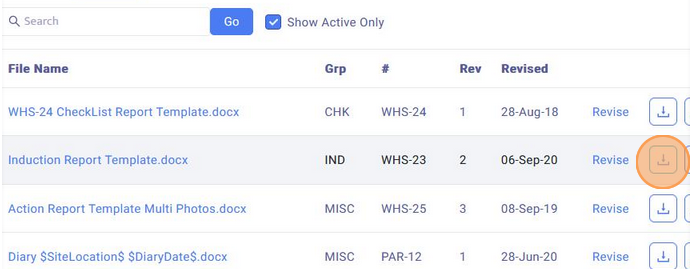
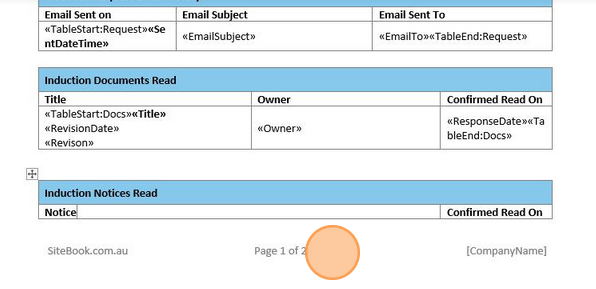
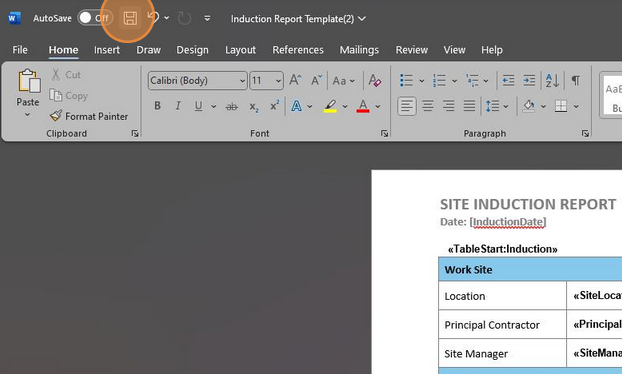
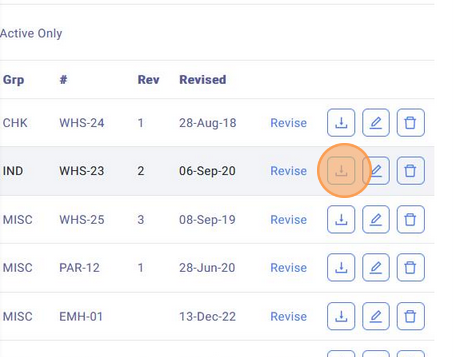
Download the document you wish to update and open it in Word

Edit the section you wish you wish to update

Save the updates made

Download a back up of the document you have updated

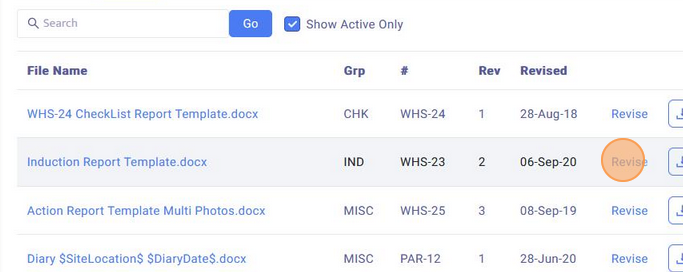
Click "Revise"

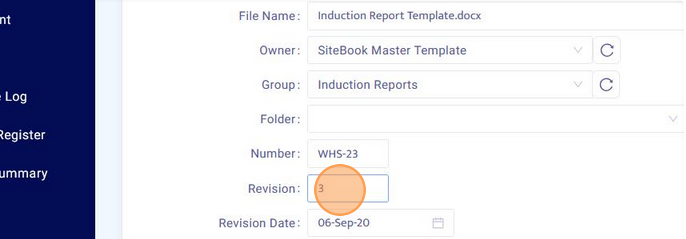
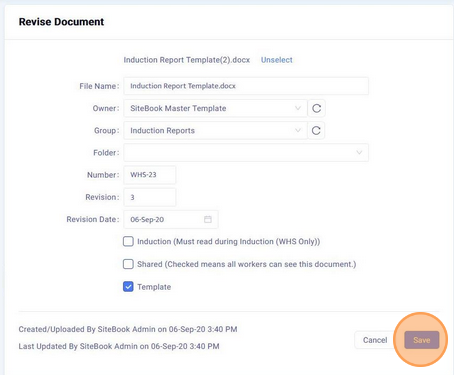
Ensure the "Revision" number has increased by 1

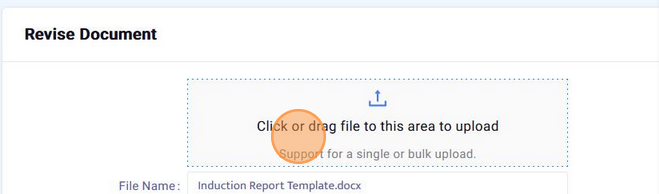
Upload the updated document

Click "Save" to upload the new template and apply the changes

After uploading the new template document, ensure to run a test report to make sure there are no issues. If you experience problems, restore the back up document you downloaded and contact SiteBook Support.
Did this answer your question?😞😐😃